View Ports Details
See the details of the ports in your inventory, including how each port is authorized and which rule authorized it.
Navigate to: Inventory > Rules > Port > Ports
Port Details
The Ports tab lists the ports in your inventory.
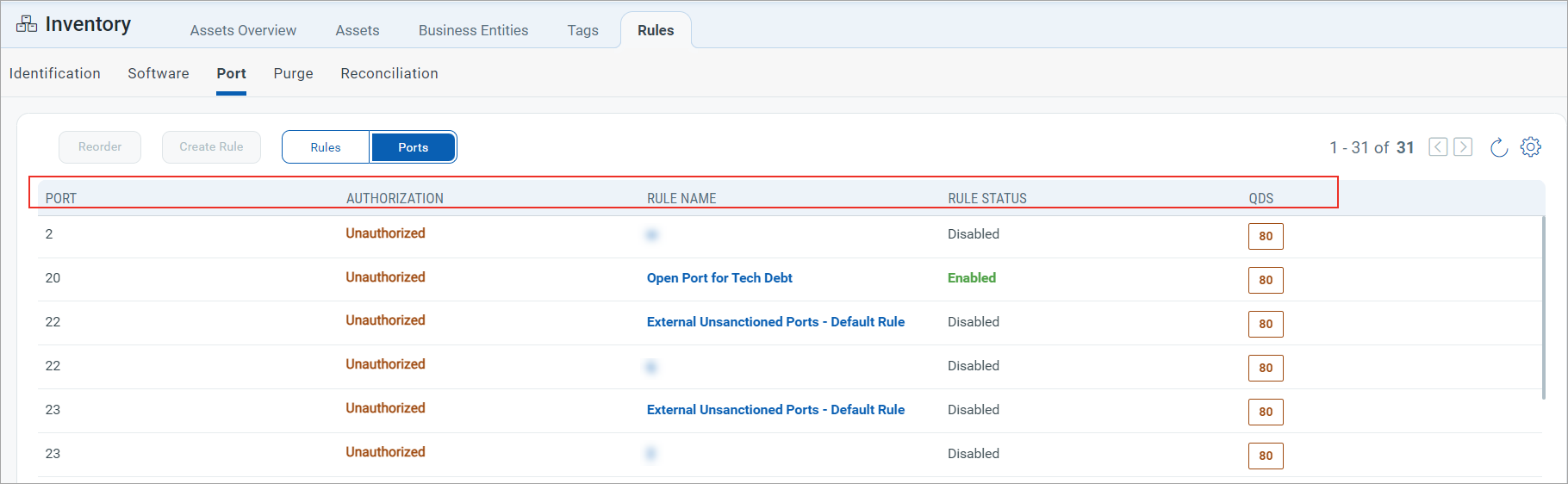
You can see the following details of the ports:
| Column | Description |
|---|---|
| Authorization | Authorized, Unauthorized, or Needs Review. |
| Rule Name | The rule in which the port is added as Authorized, Unauthorized, or Needs Review. |
| Rule Status | Disabled or Enabled. |
| QDS | The QDS associated with the unauthorized port that contributes to TruRisk™ aggregation. |
A port shows a Rule Name only when a port rule covers it. If the Rule Name is empty, no rule has classified that port yet.
Check the Rule Status along with the Rule Name. A port that is classified by a disabled rule is not being acted on until you enable that rule again.