Configure Data Sync
Qualys Universal Technology Add-on (TA) for Splunk pulls Qualys data and indexes it in Splunk on a regular basis.
Scripts parse and convert the Qualys API output to Splunk-friendly format (CIM-compliant in Splunk parlance).
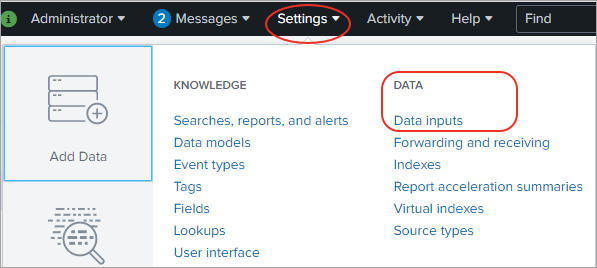
- Go to Settings and select Data Inputs.
- Click the
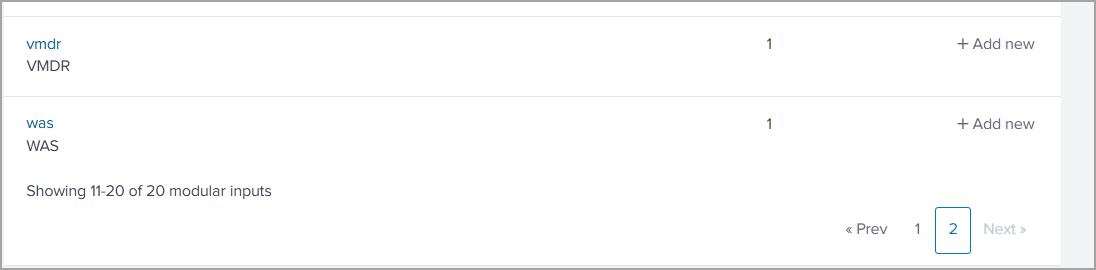
 Add new link for the Qualys Universal Technology Add-on (TA) for Splunk, as shown.
-
Enter the details for adding input data for configuring inputs. For adding VMDR input, see VMDR Scan Data. And for adding WAS input, see WAS Scan Data.
- Click Next.
When setting the interval, consider your Qualys scanning schedule. If you scan weekly, daily data sync is unnecessary.
Does the script pull all data or deltas only?
The script pulls all data from your Qualys account the first time it runs, but it only pulls the changes afterward.
Qualys data is added to Splunk
You notice that each scan has a separate entry in Splunk. If you purge hosts using your Qualys account, the data is not removed from Splunk.
Next Step