Get Started with TotalAppSec
Qualys TotalAppSec is an AI-powered, unified application risk management solution designed to secure modern web applications and APIs across all environments from on-premises, multi-cloud applications to API gateways, containers, and microservices.
For more information, see TotalAppSec - Unified Application Risk Management.

Prerequisites
You would require a TotalAppSec (TAS) application enabled for your account.
Quick Steps
1. Onboard Applications
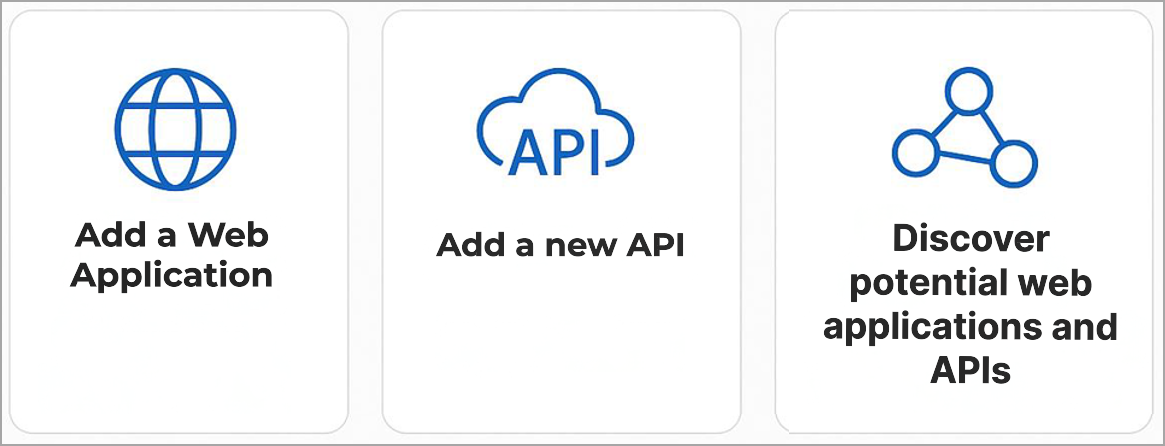
- Add a Web Application.
- Add a new API.
- Configure connectors to discover potential web applications or APIs from your Cloud environment .
2. Launch a Discovery Scan
It is recommended to run the discovery scan first. A discovery scan performs information-gathering checks only (forms detected, external links found, so on). This is a good way to learn where the scan will go and whether there are URIs to be added to the exclude list for a vulnerability scan.
To run a discovery scans, you must configure a scanner appliance within your network - a physical or virtual appliance. For details, see Configure Scanner Appliances.
3. Launch a Vulnerability or Compliance Scan
Web application and API scans are not directly comparable. Web application scans dynamically crawl the application to discover and test all reachable links and endpoints. In contrast, API scans rely on the provided Swagger/OpenAPI or Postman definition and test only the endpoints explicitly defined in those specifications.
When your scan is finished, view the scan report. In the Scan List tab, select a scan View Report from the Quick Actions menu. Scroll down to the Results section, and drill down to the detection details under Vulnerabilities, Information Gathered, and Sensitive Contents (if any).
4. View Dashboard
Your dashboard displays the current security status of your applications based on the latest scan results.
5. Generate Reports
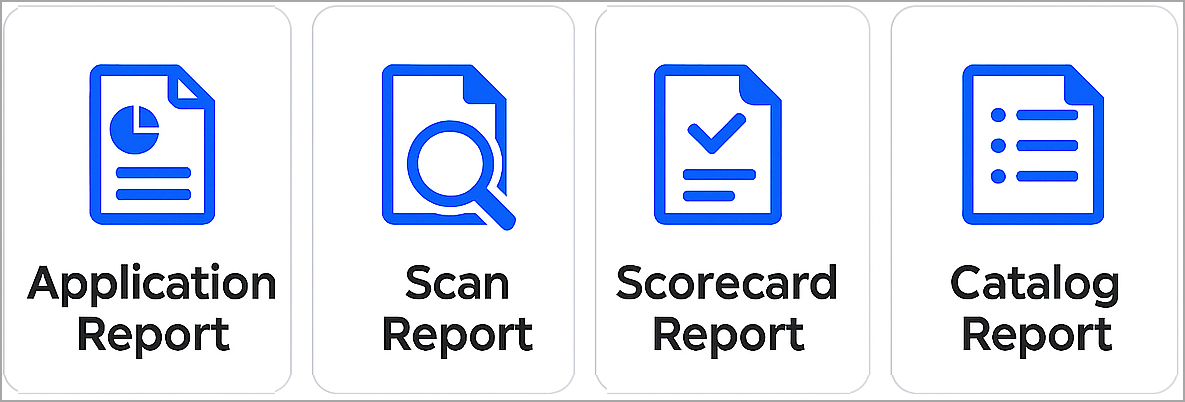
You can generate various reports tailored to your specific requirements - Web Application Report, Scan Report, Scorecard Report, or Catalog Report.
We support using templates for report customization. See Manage Report Templates.
Related Links
Discover potential web applications and APIs: Create Connectors
Configurations: Option Profile | Search Lists | Bruteforce Lists | Parameter Sets | DNS Override | Proxies | Scanner Appliance
Scheduling Scans and Reports: Schedule Scans | Schedule Reports