View Web Application Report
The Web Application report displays a detailed view of the selected web application, where you can see all detections categorized by source of detection, severity, status, vulnerability group, and so on.
To view the report, in the Web Applications tab, select a web application, and click View Report from the Quick Actions menu.
You can view the web application report in the Application Reports under the Online Reports tab.
Application Report
The Online Reports tab displays the report temporarily.
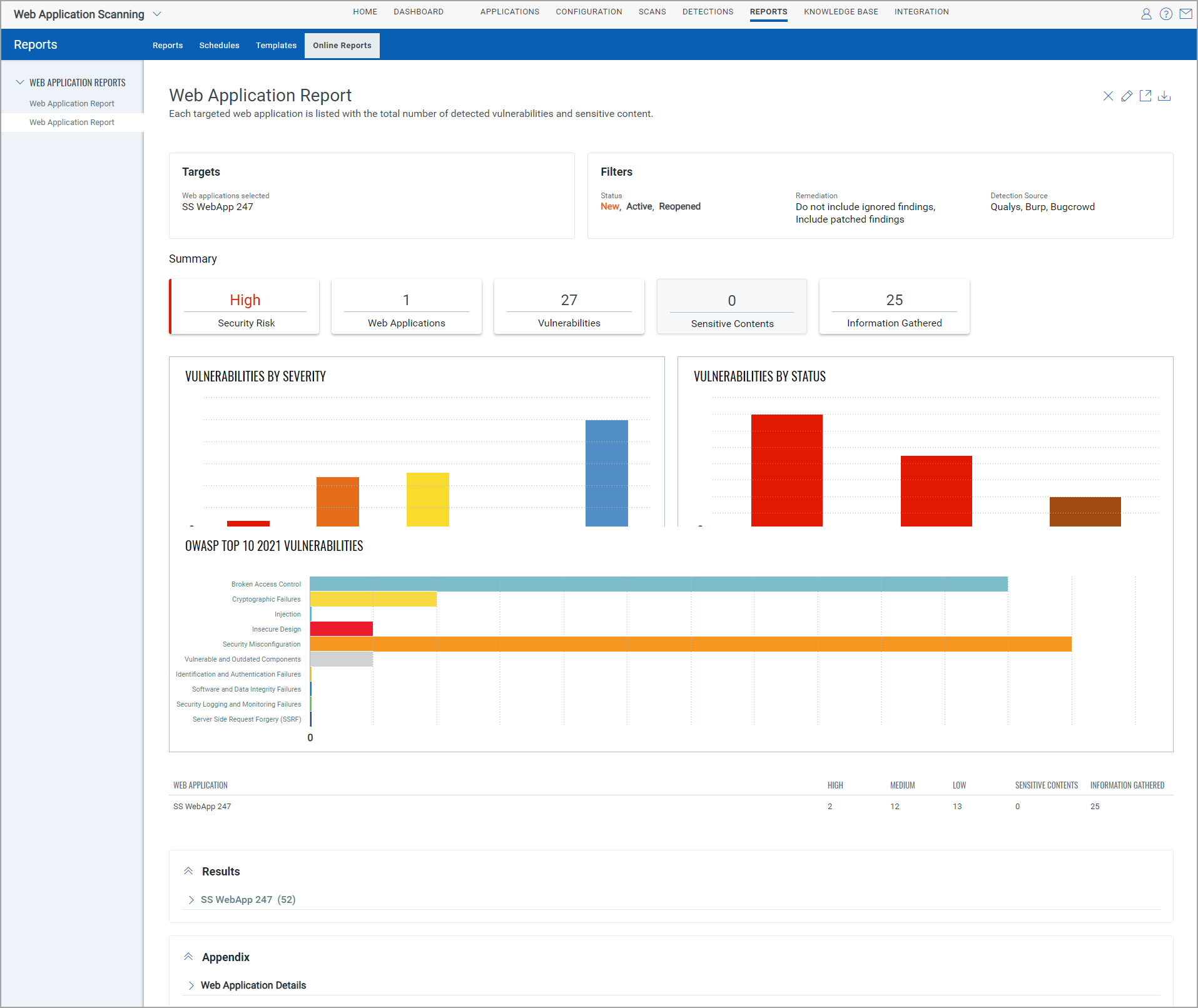
For details, see Application Report.
To change settings like the name, the report target, set filters, and choose content. For details, click Edit Report, see Manage Your Reports.
To download the web application report, click Download. Select the format, timezone, and other settings to save the report. For details, Report Save Settings.