Assess Devices That Run the Qualys Cloud Agent
You can use CAR to run scripts on assets that have the Qualys Cloud Agent installed. When you select Agent Devices as the device type during script execution, the Qualys Cloud Agent runs the script locally on each target asset. You can create, run, schedule, and manage CAR scripts for these assets.
You can use CAR scripts on agent devices to:
- Detect and remediate issues: Use Custom QID scripts to detect issues and remediation scripts to address them on the same assets.
- Use multiple scripting languages: Create scripts using PowerShell, Python, VBScript, Shell, Perl, or Lua, depending on the platform.
- Control script execution: Configure options such as restarting the host after script execution, bypassing the PowerShell execution policy, or monitoring script output for changes.
- Report findings in VM/VMDR: Custom QID scripts can report detected issues as findings in VM/VMDR.
Use CAR with Agent Devices
While creating a new script for agent devices:
- Select Agent Devices as the device type.
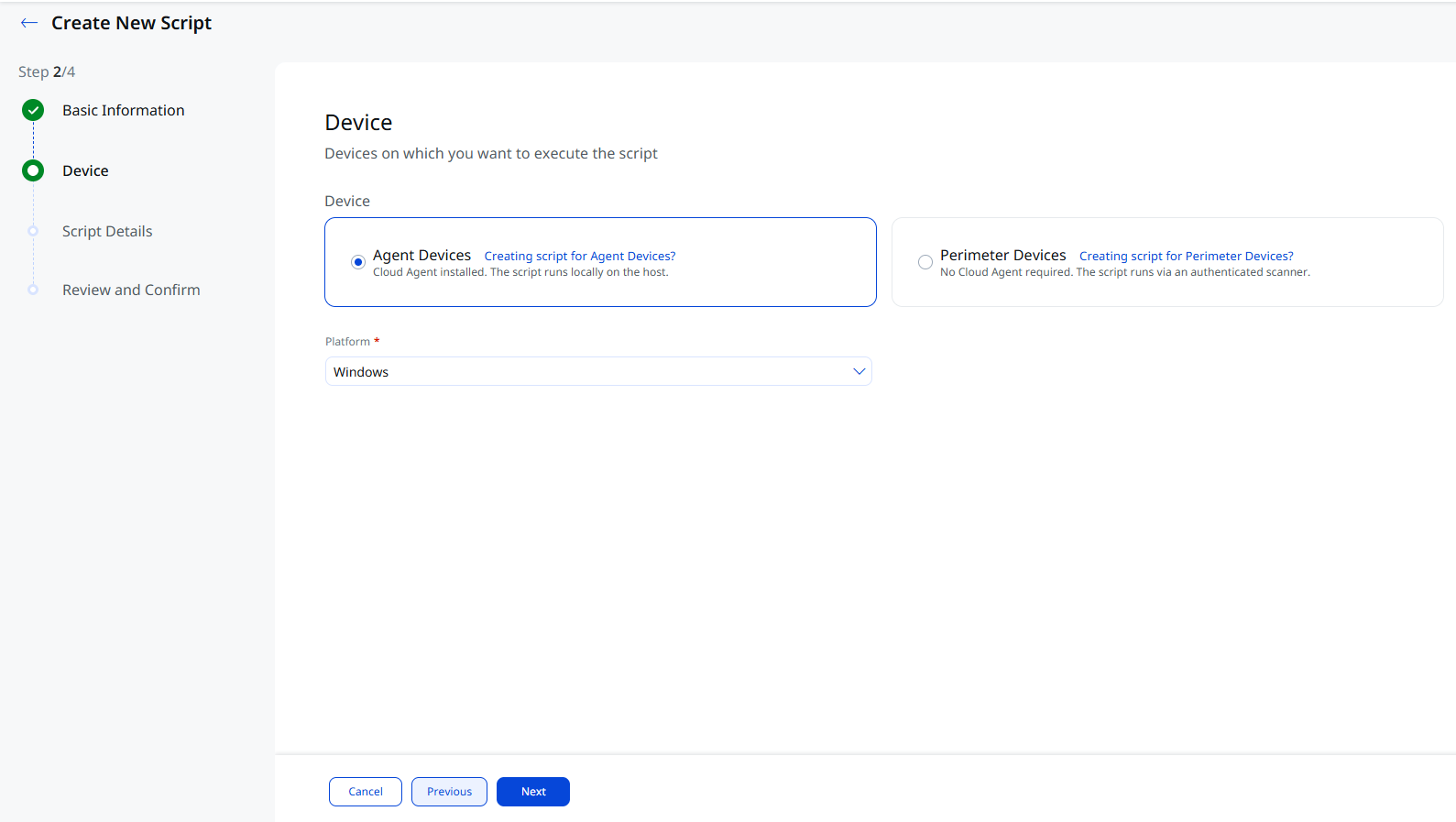
- Select the required Platform.
Below are the supported platforms and scripting languages:
Platform Script Language Windows PowerShell Command, PowerShell Script, Python, VBScript Linux Lua, Perl, Python, Shell Unix Lua, Perl, Python, Shell Mac Lua, Perl, Python, Shell - Click Next to view the Script Details page.
All the script types are supported while creating a script for the agent devices:
The rest of the script creation flow remains the same.
Related Topics
Creating Mitigation QID Scripts
Control ID Remediation Scripts