Discover Asset Inventory
The asset inventory provides a single view of all assets discovered and managed through the CSAM (Cyber Security Asset Management) application. It consolidates asset data from active scanning, agent-based discovery, and network reconnaissance into one centralized inventory view.
Discovery, classification, and security assessment happen in real time across your infrastructure, so you see your attack surface as it changes. Every asset CSAM detects is cataloged, whether it is actively scanned, passively discovered, or reported by an agent. You can search all of them and assess them for security vulnerabilities.
Use this to
- See every asset that CSAM discovers in your environment.
- Check which asset types and discovery sources are covered.
- Pick the Inventory view that matches what you need.
Before you begin: Asset inventory data comes from CSAM. Make sure your CSAM subscription is active and that at least one discovery source, such as a scan, a cloud agent, or a connector, is reporting assets.
Key Features
The asset inventory gives you:
- Centralized Discovery Hub — the primary source for all CSAM-discovered assets across your environment.
- Real-Time Asset Detection — immediate visibility into assets as scanning and monitoring discover them.
- Security-Focused Classification — automatic categorization by security characteristics, vulnerabilities, and risk profiles.
- Advanced Search Capabilities — search across all discovered assets by IP, hostname, operating system, and security attributes.
- Vulnerability Correlation — a direct link from each discovered asset to its security findings and remediation priorities.
Supported Asset Types
CSAM discovery catalogs these asset types:
| Asset type | What it covers |
|---|---|
| Network Hosts | Physical and virtual machines detected through network scanning. |
| IP Assets | Network endpoints and devices discovered via active reconnaissance. |
| Cloud Instances | Cloud-based compute resources detected through cloud connector agents. |
| Software Assets | Applications, packages, and components inventoried during scanning. |
| Web Applications | Web services and applications identified through WAS discovery. |
| Network Services | Services and daemons running on discovered ports. |
| Certificates | SSL/TLS certificates found on network assets. |
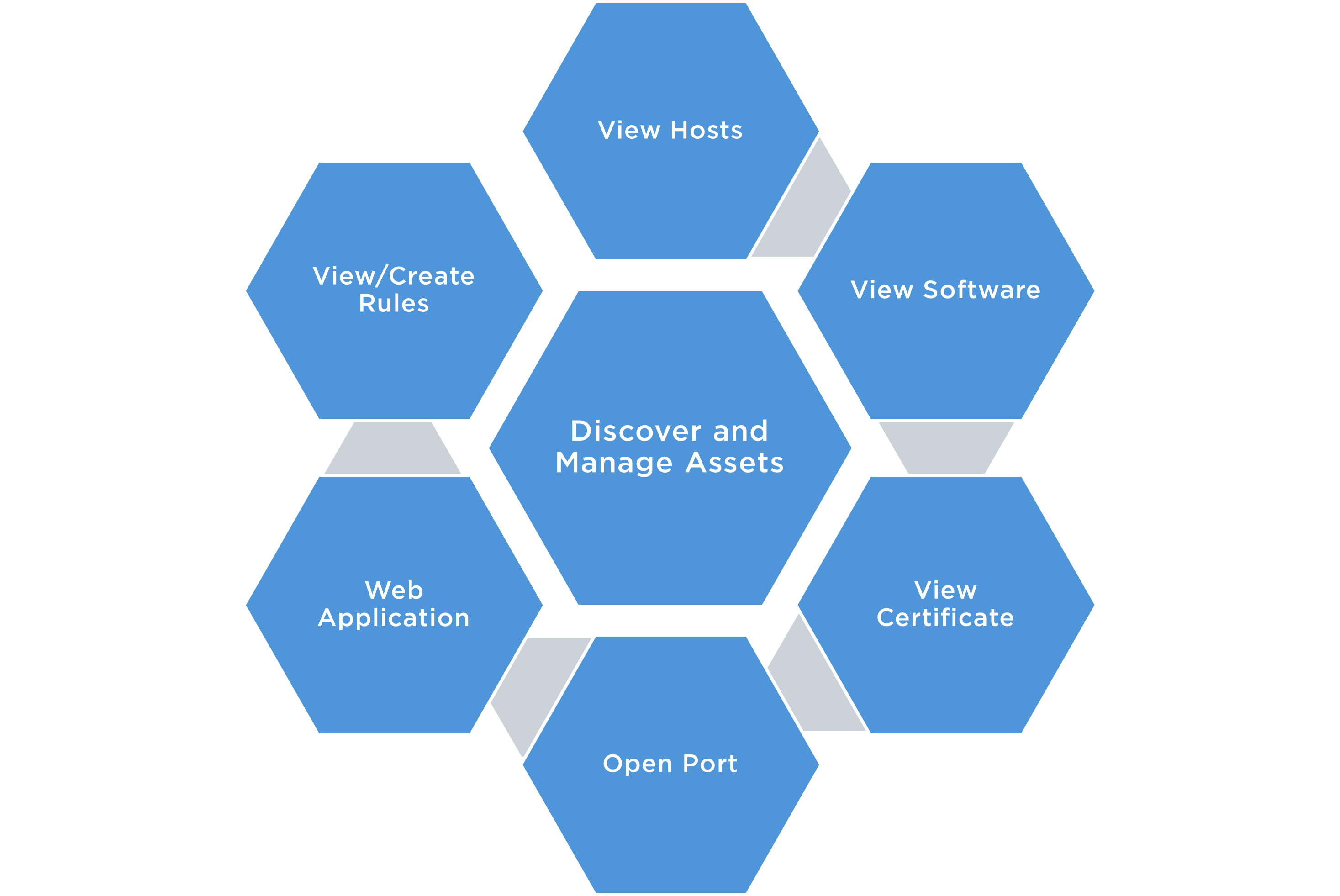
Asset Discovery Sources
The inventory covers assets found through each of these CSAM detection methods:
- Active Scanning — assets detected through authenticated and unauthenticated vulnerability scans.
- Agent-Based Discovery — assets reported by Qualys Cloud Agents deployed on endpoints.
- Network Reconnaissance — assets identified through passive network monitoring and mapping.
- Cloud Connectors — cloud assets discovered via native cloud platform integrations.
- External Integrations — assets imported from external CMDB systems or third-party scanning tools.
Discovery Views
Use these Inventory views to explore your discovered assets:
| View | Description |
|---|---|
| All Assets | Comprehensive list of all assets discovered by CSAM across your environment |
| Hosts | Physical and virtual machines detected through network and agent-based discovery |
| Software | Complete software inventory detected across all discovered assets |
| Web Applications | Web apps and services identified through WAS discovery |
| Certificates | SSL/TLS certificates found on discovered network assets |
| Open Ports | Open ports and running services detected during network scanning |