Reorder Software Rule
Set the priority of your software rules. Drag and drop the rules so that the one you want to take effect is evaluated first.
Navigate to: Inventory > Rules > Software > Reorder
How rule priority works
- Position — a newly created rule is placed at the bottom of the list.
- Precedence — rules at the top of the list take effect before the rules below them.
- Status — a rule takes effect only when its status is Enabled.
- Overlap — when more than one rule covers the same software, the order decides which rule applies.
Reorder a software rule
Before you begin: Create the software rules you want to reorder. The Reorder page lists only the software rules that already exist.
- Go to Inventory > Rules > Software > Reorder.
- On the Reorder Software Rules page, drag and drop the rule where you want to place it.
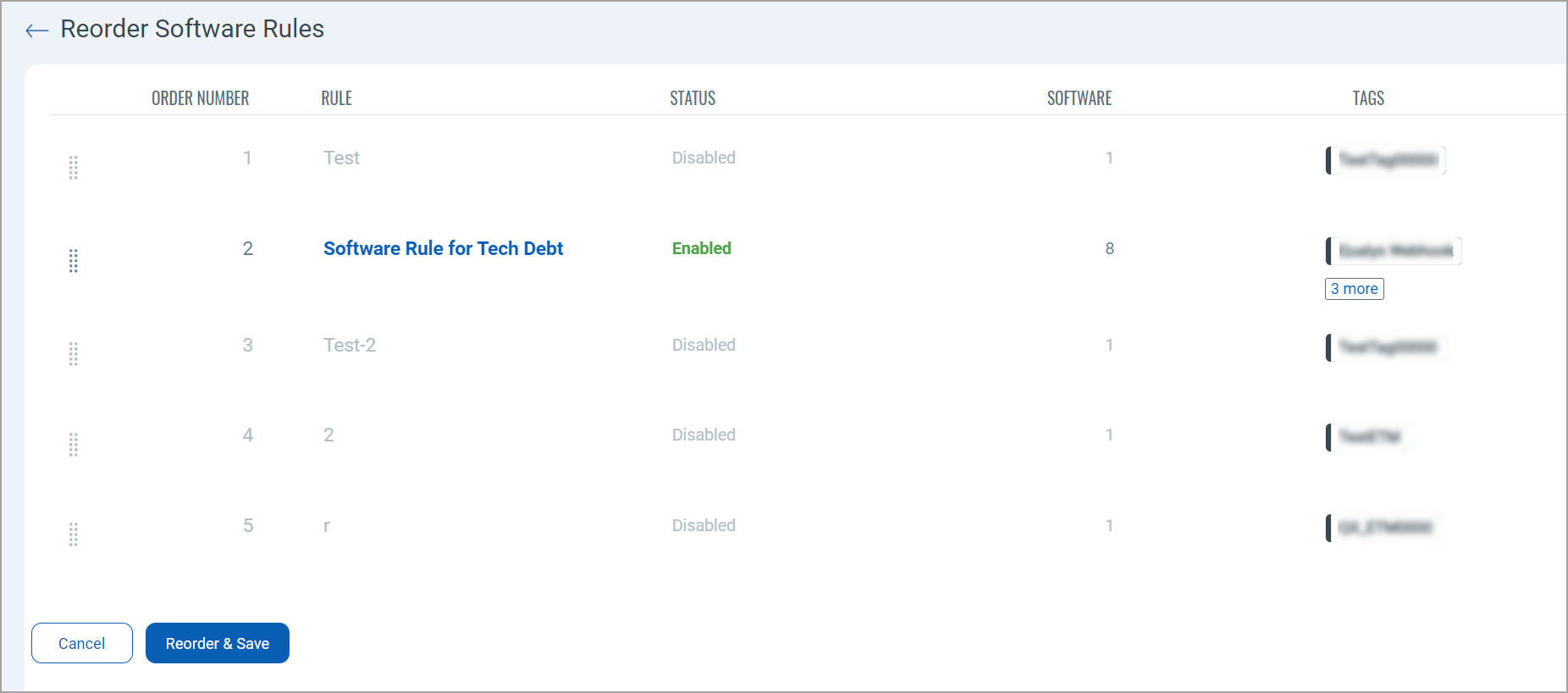
- Click Reorder and Save.
If a rule you reordered still does not take effect, check its status. A disabled rule keeps its position in the list but is skipped, and the next enabled rule that covers the same software applies instead.