Scans
The Scans tab displays the list of scans that you have launched for scanning models in your environment.
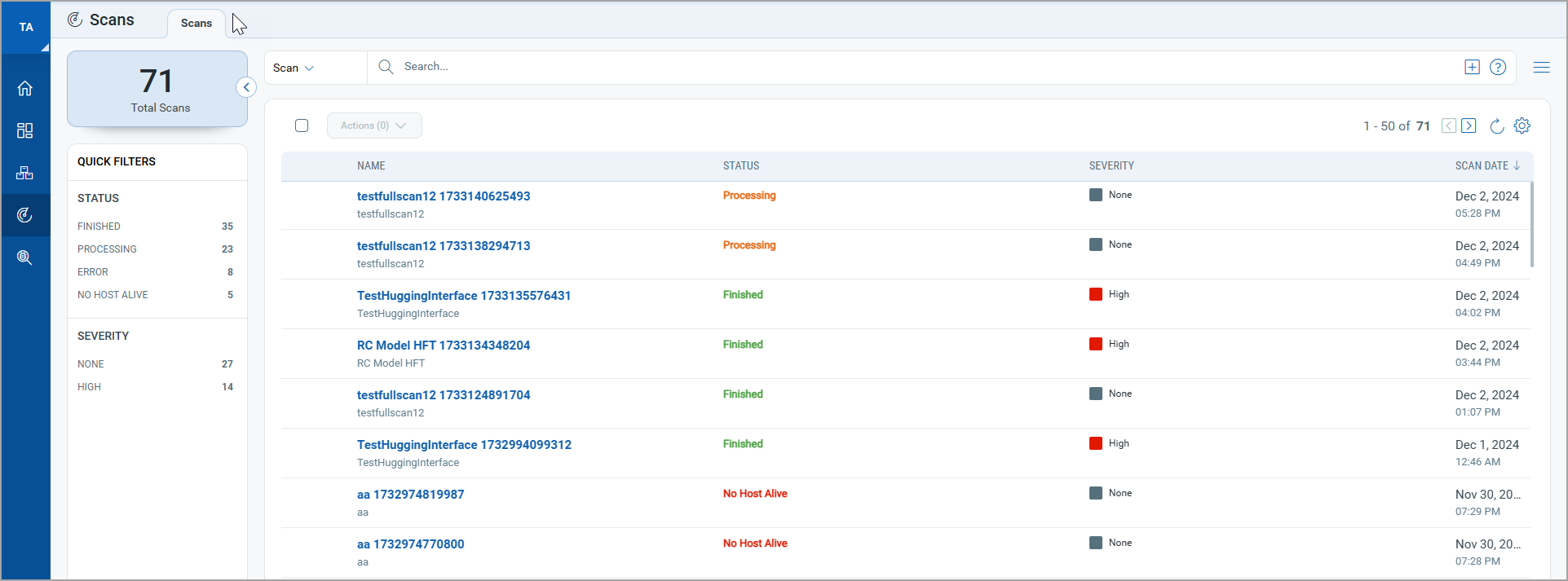
From the Scans tab, you can perform the following actions:
- Use the New Scan option to launch a new scan. See Launch Scan.
- Use the Quick Actions menu to view scan details, view scan report, and launch the scan again.
- Use Quick Filters or QQL tokens to view scans with specific criteria. For the list of tokens, see Search Tokens for Scans.
Quick Actions
Using the Quick Actions menu, you can perform the following actions on your scans directly from the scan list.
View
View scan details of the selected scan to view model name, model ID, model runtime, owner, and duration of scan.
View Report
View the online report for the selected model in the last scan. For more details, see Scan Report.
Scan Again
Relaunch the scan with the same configuration.