Deprecate Packages
You can deprecate a package that is no longer required. Once a package is deprecated, it cannot be reactivated.
To deprecate, follow these steps:
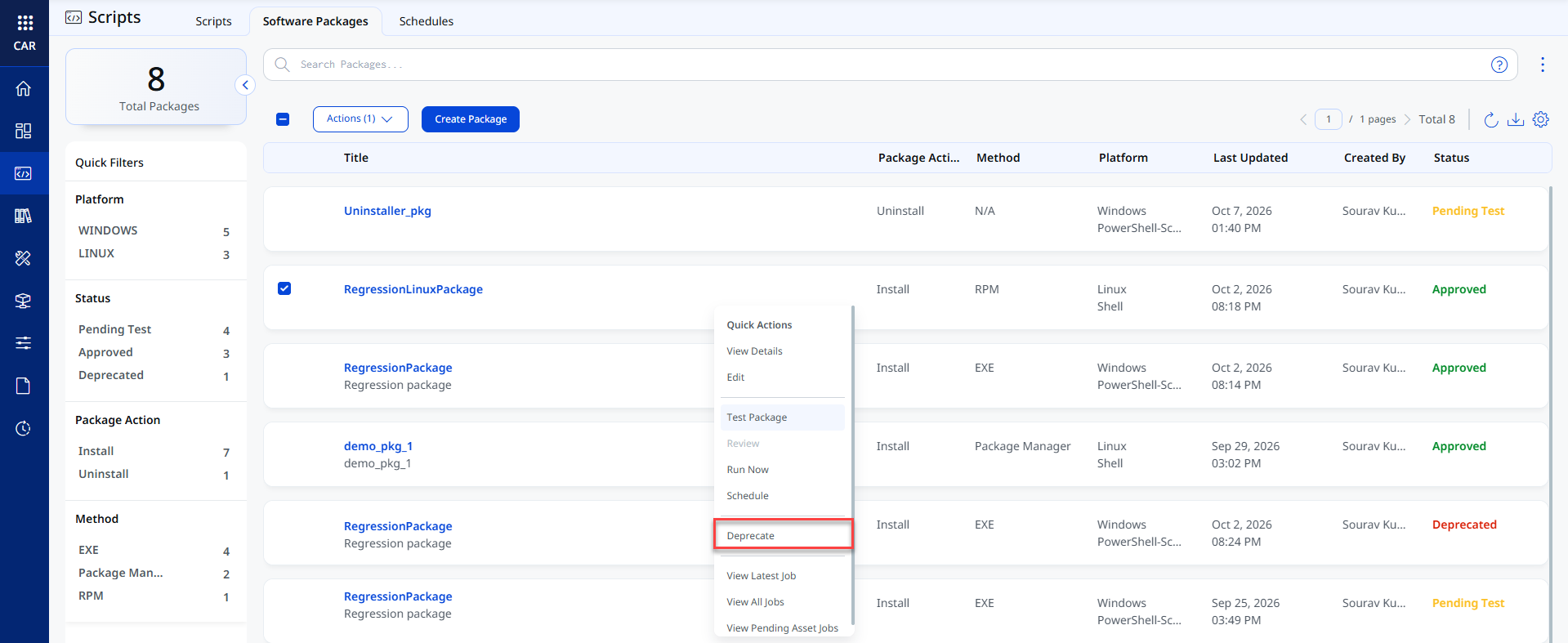
- Navigate to the Scripts > Software Packages tab.
- Select a package and click Deprecate from the Quick Actions menu.
A confirmation pop-up is displayed.
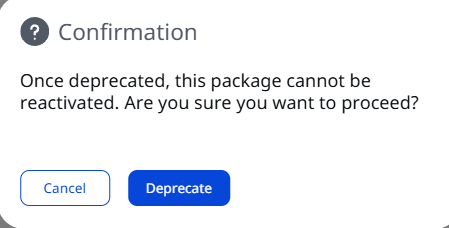
- Click Deprecate.
The package is deprecated successfully.